Retrieval Augmented Generation (RAG) agent
RAG agents enhance Large Language Models (LLMs) by providing them with access to an external knowledge base, enabling accurate and efficient information retrieval from unstructured data.
Key features
-
Knowledge base integration:
- RAG agents leverage uploaded unstructured data (documents) within a workspace as a knowledge base.
- Supported file formats: PDF, DOC, TXT, PPT.
-
Accurate information retrieval:
- By grounding LLMs with a specific knowledge base, RAG agents provide more accurate and contextually relevant responses.
-
Efficient information retrieval:
- Streamlined process for retrieving information directly from uploaded documents.
-
Data extraction and formatting:
- Ability to extract specific details from documents in JSON or tabular formats.
- Capability to compare information across multiple documents.
-
Document and Chunk referencing:
- Provides references to the specific documents and chunks of information used to generate responses.
- Current limitations: Preview is only available for PDF documents.
-
Custom RAG Agents:
- Specialized agents for specific use cases, such as invoice analysis (Invoice Analyzer Agent) and clinical report analysis (Clinical Report Analyzer Agent).
- These custom agents are designed to handle variations in document structures and extract relevant information.
Specific RAG agent capabilities
-
Simple Question Answering:
- Provides answers to direct questions based on document content.
-
Detailed Information Extraction:
- Extracts specific details from documents, such as metrics, names, or values.
-
Comparative Analysis:
- Compares information across multiple documents and provides a summary or conclusion.
-
Data Formatting:
- Formats extracted data into JSON or tables.
Custom RAG agents
-
Invoice analyzer agent:
- Extracts data from various invoice formats, including tracking IDs and other relevant details.
- Customized to generate outputs in data in JSON format and Table formats
-
Clinical report analyzer agent:
- Extracts data from clinical reports, including test results and patient information.
- Customized to generate response in JSON and table formats.
Workflow
-
Upload unstructured documents to the workspace.
-
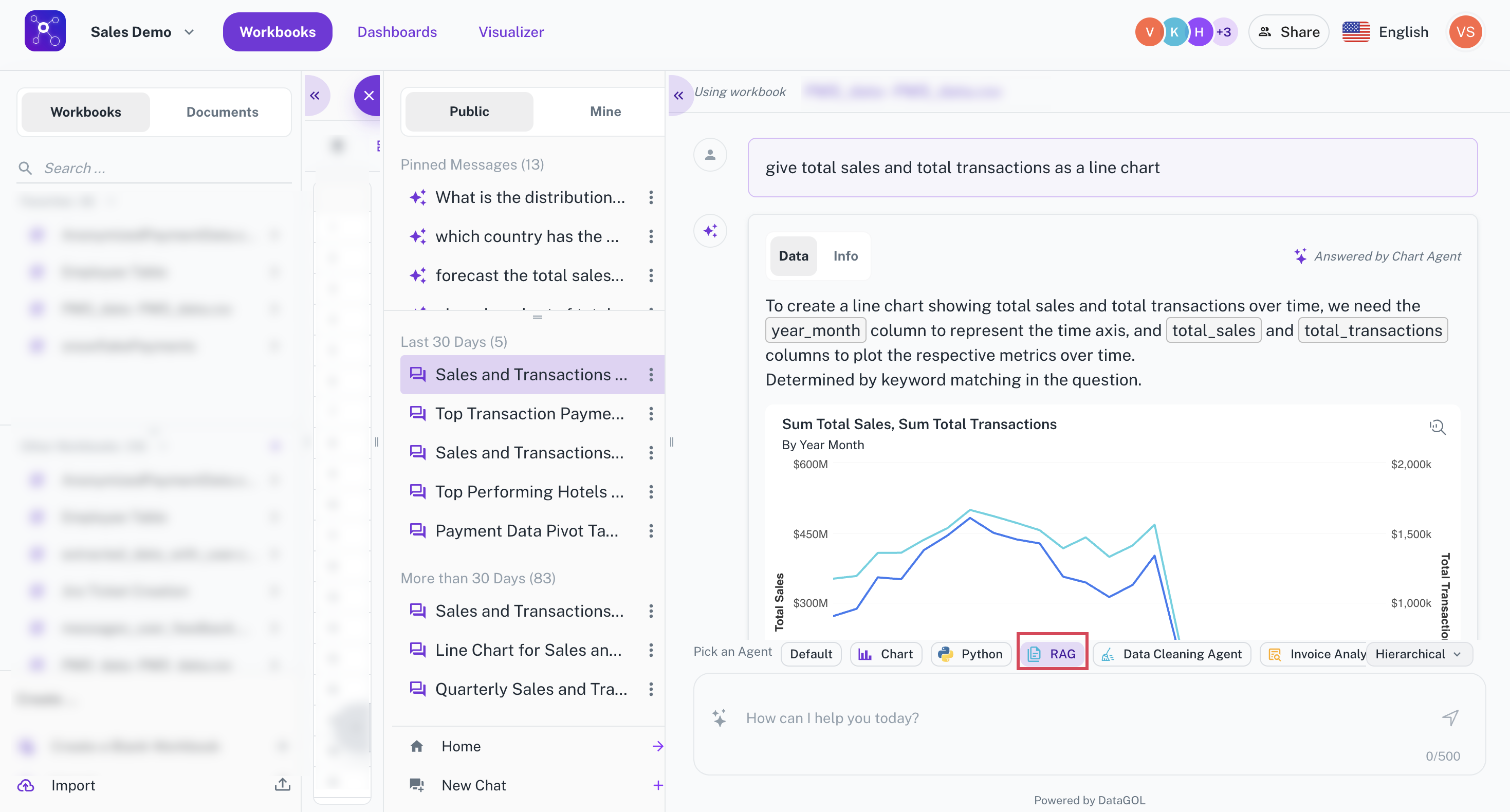
Select the RAG agent within the platform.
-
Input your questions or requests related to the uploaded documents. The processing is as follows:
-
The system processes the documents (chunking, indexing). Processing time depends on the number and size of documents.
-
While the agent is processing, a message is displayed indicating the processing status.
-
-
The RAG agent generates a response based on the information retrieved from the documents. The following references are made:
-
The system provides references to the documents and specific chunks used to generate the response.
-
The documents tab shows the exact chunk that the answer came from.
-
-
The extracted information can be presented in JSON or tabular formats as requested.
Limitations and Future Enhancements:
-
Document Preview:
- Currently, document preview is only available for PDF files. Support for other file types is planned.
-
Direct chunk highlighting:
- Future enhancements will include highlighting the specific chunk within the document when references are clicked.
-
Knowledge source integration:
- Future development will explore the ability to connect to external knowledge bases and repositories.
-
Audio and video file support:
- MP3 and MP4 support are on the roadmap.
-
API/SDK availability:
- APIs and SDKs for RAG agents are planned for future release.
-
Custom agent building tools:
- Tools to allow users to build and customize their own agents are planned.
-
Orchestrator copilot:
- The ability to have the orchestrator copilot query both structured and unstructured data is a planned feature.
FAQ
-
Can I upload documents in languages other than English?
- Yes, the RAG agent supports multiple languages, leveraging the capabilities of the underlying LLM.
-
Does the default Data Conversion (DC) agent work with documents?
- No, the DC agent does not work with unstructured documents. You must select the RAG agent for document processing.
-
Is there a limit on the number of documents I can upload?
- There is no hard limit, but processing time will increase with the number of documents.
-
Can I switch between different agents?
- Yes, you can switch between RAG agents and other available agents at any time.
-
Can I Delete a document?
- Yes, documents can be deleted by selecting "View All" and then selecting the document to be deleted.